
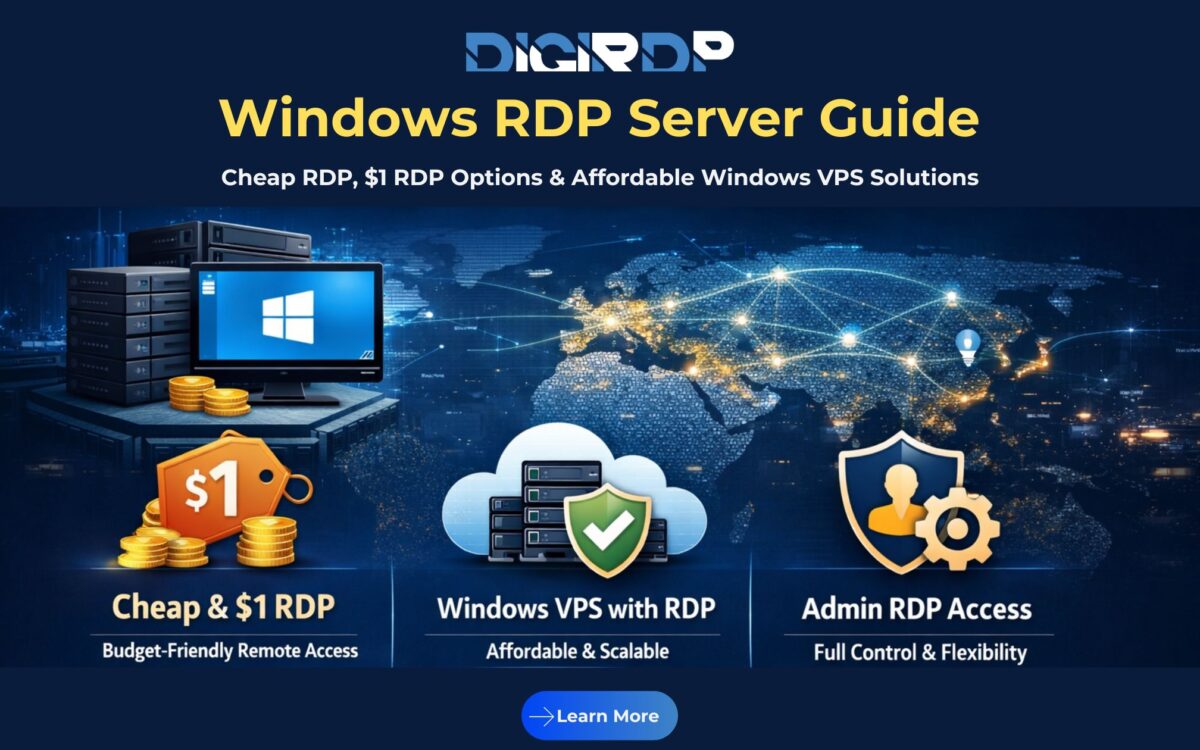
Remote access has become a core requirement for modern businesses, developers, traders, and remote teams. Whether you are managing applications, automating workflows, or accessing a Windows environment from anywhere, a Windows RDP Server offers a reliable and flexible solution. As global demand grows, users are no longer just looking for performance. They want cheap RDP, reliable uptime, and full administrative control without overpaying.
This guide explains what a Windows RDP Server is, how it works, and why affordable options like $1 RDP and low-cost Windows VPS solutions are gaining popularity. We also explore how globally distributed infrastructure helps deliver consistent performance across regions. Providers like DigiRDP focus on balancing cost, speed, and security, making Windows RDP accessible for users worldwide without compromising stability or control.
Table of Contents
What Is a Windows RDP Server?
A Windows RDP Server is a remote Windows-based system that allows users to connect and control it over the internet using Microsoft’s Remote Desktop Protocol (RDP). Instead of working on a physical machine, you access a virtual or dedicated Windows environment from any device.
This setup is widely used for remote work, software testing, automation, trading platforms, and managing multiple applications simultaneously. One of the biggest advantages is flexibility. You can log in from anywhere, resume your work instantly, and maintain a consistent environment.
Unlike shared desktops, a properly configured Windows RDP Server gives users isolated resources. This means better performance, improved security, and fewer interruptions. When combined with administrative privileges, it becomes a powerful tool for advanced users who need full control over system settings and software installations.
Why Windows RDP Server Matters in 2025 and Beyond
As businesses continue shifting toward remote and cloud-based workflows, the relevance of Windows RDP is increasing rapidly. Teams are no longer tied to physical offices, and applications are expected to be available around the clock.
Affordable remote infrastructure plays a key role here. Many users now search for cheap RDP or even $1 RDP options to minimize costs while scaling operations. This is especially important for startups, freelancers, and agencies managing multiple environments.
Another factor is accessibility. A Windows RDP Server allows users to access region-specific platforms, test applications in different environments, and maintain consistent performance regardless of their physical location. With rising demand for automation, trading, and development, low-cost Windows RDP solutions are becoming essential rather than optional.
Global RDP Server Performance Comparison
| Region | Latency | Reliability | Scalability | Support Availability |
|---|---|---|---|---|
| North America | Low | High | High | 24/7 |
| Europe | Low to Medium | High | High | 24/7 |
| Asia-Pacific | Low | High | High | 24/7 |
| India | Very Low (Asia) | High | High | 24/7 |
Speed, Uptime, and Security Advantages

Speed
A well-optimized Windows RDP Server uses SSD or NVMe storage and efficient virtualization. This reduces application load times and ensures smooth desktop interaction even on budget plans.
Uptime
Reliable RDP hosting depends on redundancy and proactive monitoring. Quality infrastructure minimizes downtime through failover systems and real-time alerts, ensuring continuous access to your environment.
Security
Security is a critical concern for remote access. Features like firewall protection, isolated resources, strong authentication, and regular updates help protect your Windows RDP Server from unauthorized access and threats.
How to Choose the Right Windows RDP Server Plan
Selecting the right plan depends on how you plan to use your RDP environment. For light tasks such as browsing, automation scripts, or basic software usage, cheap RDP or $1 RDP plans may be sufficient.
If you need better performance, stability, or multiple applications running simultaneously, an affordable Windows VPS with RDP access is a smarter choice. These plans typically offer dedicated resources and better scalability.
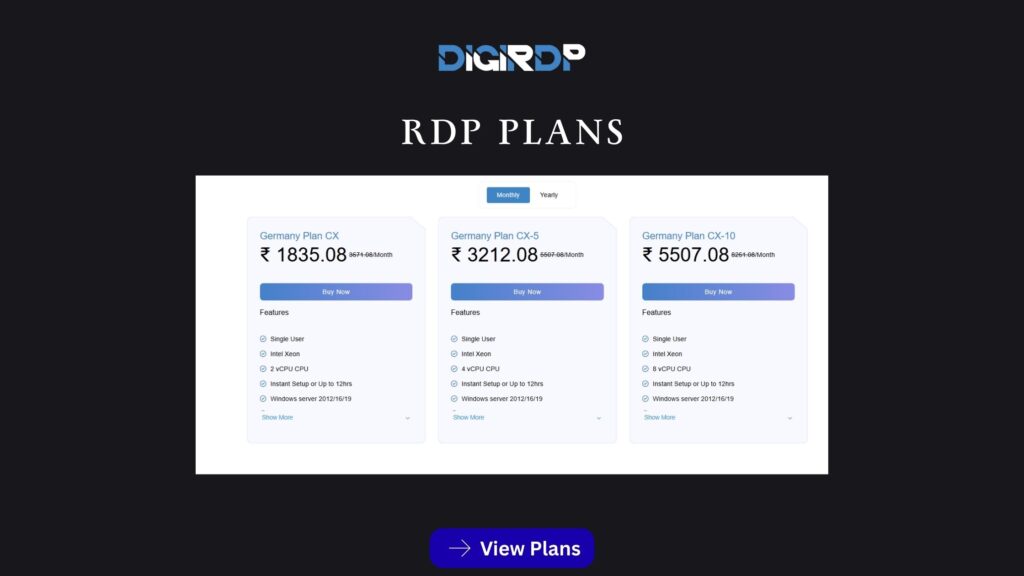
Users who require complete system control should look for an RDP Server with admin access. This allows software installation, system customization, and advanced configurations. Providers like DigiRDP offer a wide range of Windows RDP and VPS solutions designed to match different workloads and budgets.
Real-World Use Cases for Windows RDP Servers
Windows RDP Servers are used across many industries. Developers rely on them for testing applications in controlled environments. Digital marketers use RDPs to manage multiple tools and accounts efficiently.
Traders and analysts often run trading platforms on remote Windows servers to ensure continuous operation without local hardware limitations. Agencies benefit by managing multiple client workflows from centralized environments.
Even individuals use affordable Windows RDP solutions to access region-specific services or maintain a secure workspace while traveling. The flexibility and cost-effectiveness make RDP a universal solution.
Why DigiRDP’s Global Server Network Handles Traffic Efficiently
A major advantage of modern RDP providers is global infrastructure. DigiRDP operates across multiple regions, allowing users to choose server locations that best match their target audience or workload.
This distributed setup reduces latency, improves reliability, and ensures consistent access during peak usage. Combined with scalable resources, it allows even low-cost Windows RDP plans to perform reliably for global users.
Scalability for Startups, Agencies, and Enterprises
Scalability is essential when your requirements change over time. Many users start with cheap or entry-level RDP plans and upgrade as workloads increase.
Windows VPS solutions allow vertical scaling by adding CPU, RAM, or storage without migration hassles. Enterprises benefit from predictable performance, while startups appreciate the ability to scale without heavy upfront investment.
This flexibility makes Windows RDP Servers suitable for both short-term projects and long-term infrastructure planning.
Conclusion
A Windows RDP Server is one of the most practical solutions for secure, flexible, and remote Windows access. Whether you are searching for cheap RDP, exploring $1 RDP options, or upgrading to an affordable Windows VPS with RDP access, the right setup can significantly improve productivity and cost efficiency.
With globally distributed infrastructure, scalable resources, and reliable performance, providers like DigiRDP make Windows RDP accessible to users worldwide. If you are ready to deploy a reliable remote desktop environment with the flexibility to grow, now is the right time to choose a Windows RDP solution that aligns with your needs.
FAQ
1. What is the difference between a Windows RDP Server and a Windows VPS?
A Windows RDP Server is mainly built for remote desktop access, while a Windows VPS offers full server control with optional RDP access. VPS solutions provide greater flexibility and scalability for advanced workloads.
2. Can cheap RDP or $1 RDP plans handle real workloads?
Cheap RDP and $1 RDP plans work well for light tasks like browsing, automation, or basic software usage. They are not ideal for resource-intensive applications or heavy multitasking.
3. Is admin access important for a Windows RDP Server?
Admin access allows full control over system settings, software installation, and customization. It is especially important for developers, businesses, and users with advanced requirements.
4. Can Windows RDP Servers efficiently serve global users?
Yes, Windows RDP Servers hosted on globally distributed infrastructure deliver low latency and stable performance for users across different regions worldwide.
5. How reliable is DigiRDP for Windows RDP hosting?
DigiRDP focuses on high uptime, strong security measures, and scalable global infrastructure, making it a dependable choice for Windows RDP hosting.
Explore More About Dedicated Servers
For a deeper understanding of dedicated server hosting, including real-world performance tuning, advanced administrative optimizations, and infrastructure-level comparisons, DigiRDP offers a regularly updated knowledge base curated by experienced server professionals.
To explore detailed insights on dedicated server architecture, practical deployment scenarios, and step-by-step optimization strategies, visit the official DigiRDP Blog and stay informed about modern server standards shaping 2026 and beyond.
Recommended Products
Windows RDP
Customized Windows RDP solutions with full admin access, perfect for remote work and development.
- Full Admin Access
- SSD Storage
- 24/7 Support
- Multiple Locations