
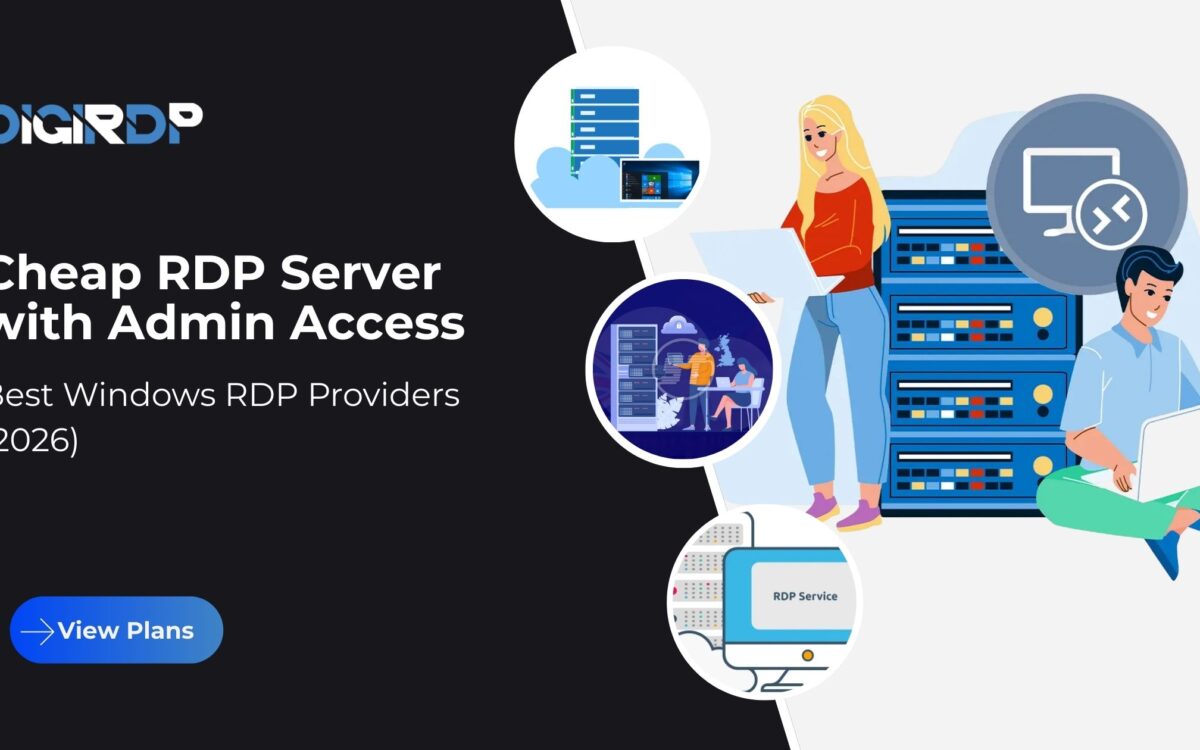
Remote work, automation, and cloud-based operations have made remote desktop solutions essential for businesses and individuals worldwide. In 2026, the demand for a cheap RDP server with admin access is higher than ever, especially among developers, marketers, traders, and small businesses that need full control without paying enterprise-level costs.
A Windows RDP server with administrator privileges allows users to install applications, configure system settings, and run tasks independently, just like a local Windows machine. When paired with global data center availability and stable infrastructure, a low-cost RDP solution can deliver excellent performance without compromising security or reliability.
This guide explains what makes an admin RDP valuable, how to choose the right plan, and why modern Windows RDP hosting is a practical alternative to traditional desktops or expensive dedicated servers.
Table of Contents
What Is a Cheap RDP Server with Admin Access?
A cheap RDP server with admin access is a remote Windows server that you can access over the internet using Microsoft’s Remote Desktop Protocol. Unlike shared or restricted RDPs, admin access gives you full system-level control. You can install software, manage users, adjust firewall rules, and customize the environment to your exact needs.
The “cheap” aspect does not mean low quality. It simply refers to cost-efficient infrastructure where resources are optimized and virtualized. Modern virtualization technologies allow hosting providers to offer powerful Windows servers at a fraction of the cost of physical machines.
For users who want to buy cheap Windows RDP online, admin access is often the deciding factor. It ensures flexibility and independence, especially for technical tasks that require elevated permissions.
Why Cheap Admin RDP Matters in 2026
In 2026, cloud workloads are more diverse than ever. From automation tools to browser-based workflows, users need reliable Windows environments that can run continuously without interruptions.
A cheap admin RDP solves several modern challenges. First, it removes dependency on personal hardware. Second, it allows users to operate from any location while keeping workloads centralized. Third, it provides predictable performance for tasks such as data processing, trading bots, remote development, or application testing.
For startups and freelancers, this approach significantly reduces upfront costs. Instead of investing in high-end desktops or laptops, a Windows VPS with RDP access can be provisioned instantly and scaled as requirements grow.
Global Performance Comparison of RDP Servers
Choosing the right region is just as important as choosing the right plan. Performance depends heavily on server location, network routing, and infrastructure quality.
| Region | Latency | Reliability | Scalability | Support Availability |
|---|---|---|---|---|
| USA | Low | High | Excellent | 24/7 |
| Europe | Low to Medium | High | Excellent | 24/7 |
| Asia | Low | High | Very Good | 24/7 |
| Global Distributed | Optimized | High | Excellent | 24/7 |
This comparison highlights why globally distributed RDP infrastructure can efficiently serve international users when hosted in well-connected data centers.
Benefits of Cheap Windows RDP
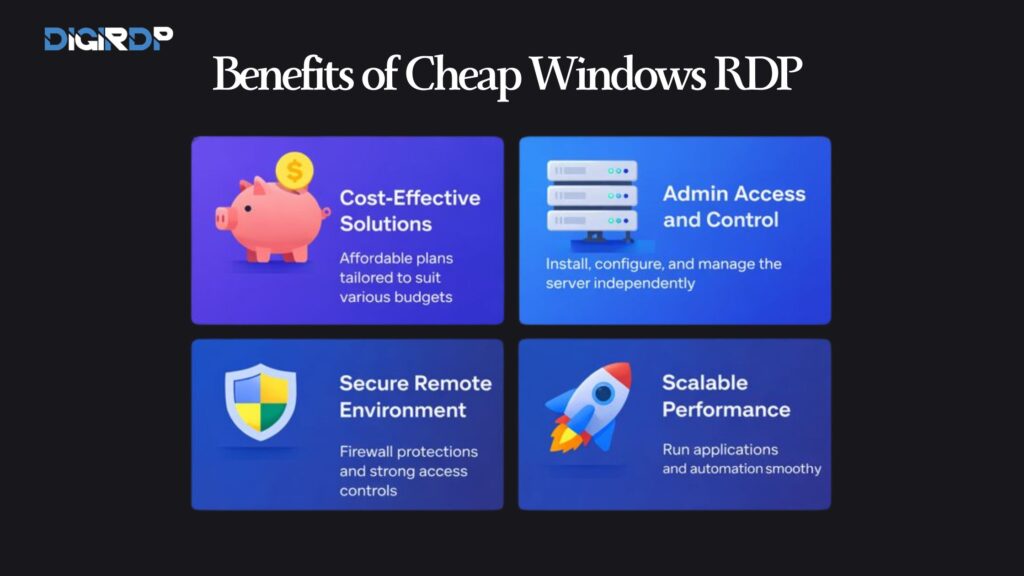
A cheap RDP server with admin access delivers a strong balance between affordability and control. One of the biggest advantages is cost efficiency. Instead of investing in high-end hardware, you can access powerful Windows environments at a fraction of the cost.
Another benefit is flexibility. Users can deploy applications, automation tools, or business software without being tied to a specific device. This is particularly useful for freelancers, small teams, and startups that require scalable infrastructure.
Cheap Windows RDP also improves reliability. Unlike personal PCs, professional RDP servers run in data centers with redundant power, stable connectivity, and monitoring systems. When paired with admin access, users can fine-tune performance and security based on their needs.
For those looking to buy cheap Windows RDP online, the right provider ensures stable uptime, consistent speeds, and proper isolation from other users.
Cheap RDP vs Free RDP (Security Comparison)
Free RDP services may look appealing, but they come with serious risks. Most free RDPs are shared environments with weak security controls, outdated Windows versions, and limited or no admin privileges.
Cheap RDP hosting, when purchased from a reliable provider, offers isolated resources, proper authentication, and controlled access. With admin access, you can enforce strong passwords, configure firewalls, and keep the operating system updated.
Free RDPs often expose users to malware, data theft, and account suspension without notice. In contrast, a paid cheap RDP server with admin access gives you ownership of your environment and predictable performance.
For any business-critical or long-term usage, free RDP solutions are simply not worth the risk.
Best Cheap RDP Providers in 2026
The best cheap RDP hosting providers in 2026 focus on performance, security, and transparent resource allocation. A good provider delivers dedicated resources, SSD or NVMe storage, and consistent network speeds.
Admin access is non-negotiable. Providers that restrict system-level control often limit what users can actually do on the server. Look for services that offer full administrator rights, fast provisioning, and responsive technical support.
Providers with global infrastructure are particularly valuable. Whether you need a USA RDP server cheap for low latency in North America or an Asia-based server for regional workloads, location flexibility matters.
Reliable providers also maintain clear usage policies, fair pricing, and predictable renewals, which helps users scale without surprises.
How to Choose the Right Cheap RDP Hosting Plan
Selecting the right plan depends on how you intend to use the server. A single-user setup focused on browsing or automation does not require the same resources as a multi-application environment.
If you plan to run lightweight applications or automation tools, a cheap RDP for single user with moderate RAM and CPU is sufficient. For heavier workloads such as development or data processing, a Windows VPS with higher resources is a better choice.
This is where providers like DigiRDP become relevant. DigiRDP offers a wide range of Windows RDP and VPS solutions across multiple global locations, allowing users to choose plans that match both budget and performance requirements.
USA vs India RDP Servers
Choosing between USA and India RDP servers depends on your target audience and workload. A USA RDP server cheap is ideal for users who need low latency in North America or access to region-specific services.
India RDP servers, on the other hand, are often more cost-effective and work well for general tasks, automation, and remote desktop usage where ultra-low latency is not critical.
In 2026, modern data centers in both regions offer strong uptime and security standards. The key is selecting a provider that optimizes routing and ensures proper isolation regardless of location.
For global users, many providers allow easy upgrades or migrations between regions as requirements change.
Pricing & Plans Breakdown
Cheap RDP pricing varies based on CPU cores, RAM, storage type, bandwidth, and location. Entry-level plans are often suitable for a cheap RDP for single user, while higher tiers support multiple applications or heavier workloads.
When evaluating pricing, look beyond the headline cost. Check whether admin access is included, how bandwidth is allocated, and whether backups or snapshots are available.
Transparent pricing models are a sign of a trustworthy provider. Avoid services that hide limitations behind vague “fair usage” policies. A well-structured plan should clearly state what resources you receive and how upgrades work.
How to Buy Cheap RDP Online Safely
To buy cheap Windows RDP online safely, always choose a provider with verified infrastructure and clear documentation. Avoid marketplaces or resellers that cannot explain where their servers are hosted.
Check for secure payment methods, clear refund policies, and accessible support channels. Providers that offer instant provisioning and clear admin credentials demonstrate operational maturity.
Before committing long-term, test the service for performance and stability. A reliable cheap RDP server with admin access should deliver consistent uptime and predictable speeds from day one.
Conclusion
A cheap RDP server with admin access is one of the most practical solutions for remote computing in 2026. It offers affordability, flexibility, and full control without compromising on performance or security.
By choosing a reputable provider, users can avoid the risks associated with free RDP services and enjoy a stable Windows environment tailored to their needs. Whether you’re running applications, managing workflows, or accessing systems remotely, admin-enabled Windows RDP remains a smart investment.
Focus on transparent pricing, proper security, and location-optimized servers to get the best long-term value from your RDP solution.)
FAQ
1. What is the difference between admin RDP and shared RDP?
An admin RDP provides full system-level control, allowing users to install software, manage settings, and configure security. Shared RDP environments restrict permissions and customization, making them suitable only for basic tasks.
2. Can I use a cheap RDP server for business tasks?
Yes, many businesses rely on low-cost admin RDP servers for automation, development, and remote workflows. When configured properly, they offer stable performance for everyday business operations.
3. Is a Windows VPS with RDP access better than shared hosting?
A Windows VPS with RDP access offers better isolation, higher performance, and greater control compared to shared hosting. This makes it more suitable for applications that require dedicated resources.
4. Are USA RDP servers suitable for global users?
USA-based RDP servers are well-connected through high-capacity networks and optimized routing. This allows them to deliver competitive performance for users accessing the server from different regions.
5. How secure is a cheap RDP server with admin access?
The security of an admin RDP depends on server configuration and provider practices. Strong access controls, isolation, and regular monitoring help maintain a secure remote environment.
Learn More About Dedicated Servers
For readers who want a deeper understanding of dedicated server hosting, including real-world performance tuning, administrator-level configurations, and practical infrastructure comparisons, DigiRDP maintains a regularly updated knowledge hub guided by experienced server professionals.
You can explore detailed articles on dedicated server architecture, deployment best practices, and step-by-step optimization techniques through the official DigiRDP Blog, helping you stay aligned with modern server standards in 2026 and beyond.
Recommended Products
Windows RDP
Customized Windows RDP solutions with full admin access, perfect for remote work and development.
- Full Admin Access
- SSD Storage
- 24/7 Support
- Multiple Locations