
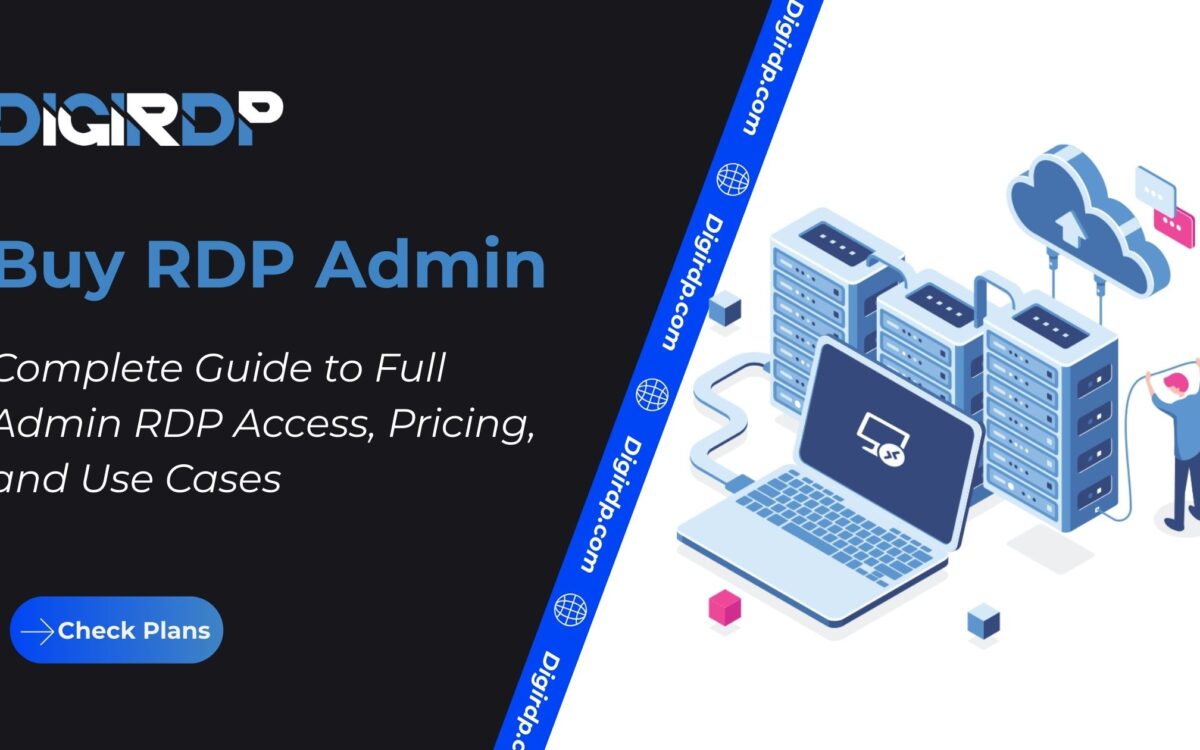
Remote access solutions are no longer limited to basic desktop usage. Businesses, developers, traders, and automation professionals increasingly require full system-level control when working remotely. This is where the demand to Buy RDP Admin continues to grow.
Unlike standard remote desktop setups, admin-enabled RDP environments allow complete access to system settings, software installations, and advanced configurations. Whether you are searching for cheap admin RDP, need RDP admin access for professional workloads, or want to understand how full admin RDP works, this guide explains everything clearly and practically.
DigiRDP is a global remote infrastructure provider specializing in high-performance RDP, VPS, and dedicated server solutions across multiple locations. With a focus on reliability, security, and scalability, DigiRDP delivers admin-enabled RDP environments designed for real-world professional use cases, ensuring users have the control and stability required for modern remote workflows.
Table of Contents
What Does Buy RDP Admin Mean?
When users search to buy RDP admin, they are looking for a Windows Remote Desktop environment that includes administrator-level privileges. This means you are not restricted by limited user permissions and can fully control the server.
With admin access, you can install software, modify system configurations, manage users, configure security settings, and run advanced applications. This level of control is essential for development, automation, trading platforms, and enterprise workflows.
Unlike shared or restricted RDP accounts, admin RDP environments are designed for users who need flexibility and authority over their remote systems.
Performance, Uptime, and Security Advantages
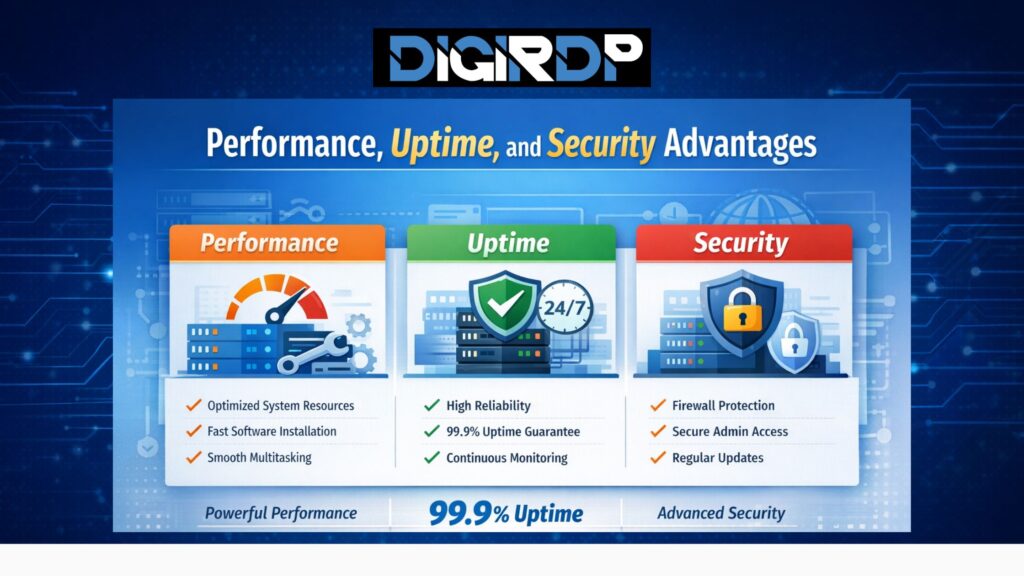
Performance
Admin RDP environments deliver strong and consistent performance by allowing full system-level optimization. With administrative access, users can install required software, configure system resources, and run multiple applications smoothly without permission restrictions.
Uptime
Reliable admin RDP hosting is built on stable infrastructure, redundant networking, and continuous monitoring. These elements ensure uninterrupted access, making admin RDP suitable for long-running tasks such as automation, trading bots, and enterprise workflows.
Security
Security remains a top priority for admin-level remote access. Features such as firewall protection, isolated environments, secure authentication, and regular system updates help safeguard admin RDP servers from unauthorized access and potential threats.
RDP Admin Access vs Standard RDP
Not all RDP solutions offer the same level of control. Understanding the difference helps you choose the right plan.
| Feature | Standard RDP | RDP Admin Access |
|---|---|---|
| System Control | Limited | Full administrative control |
| Software Installation | Restricted | Allowed |
| User Management | No | Yes |
| Advanced Configuration | No | Yes |
| Best For | Basic access | Professional workloads |
For users managing complex tasks, buying RDP with admin access is the only practical choice.
Who Should Buy RDP Admin?
Admin-enabled RDP solutions are ideal for users who require unrestricted system control.
Developers use admin RDP to test applications and manage development environments. Traders rely on admin access to run trading platforms continuously. Digital marketers and automation specialists need admin privileges to install tools and manage workflows efficiently.
If your work involves customization, automation, or system-level tasks, buying RDP admin access is essential.
Best Suited For
- Developers and software testers
- Automation and botting workflows
- Forex and crypto trading platforms
- Digital marketing tools
- Long-running Windows applications
Not Ideal For
- Basic browsing or casual usage
- Users without technical experience
- Tasks that do not require system changes
Security and Admin-Level Control
Admin RDP environments provide powerful control, which also requires responsible usage. Strong passwords, firewall rules, and regular updates are critical to maintaining security.
Reliable providers ensure isolation, monitoring, and protection against unauthorized access while still offering flexibility to the user.
How to Choose the Right Admin RDP Plan
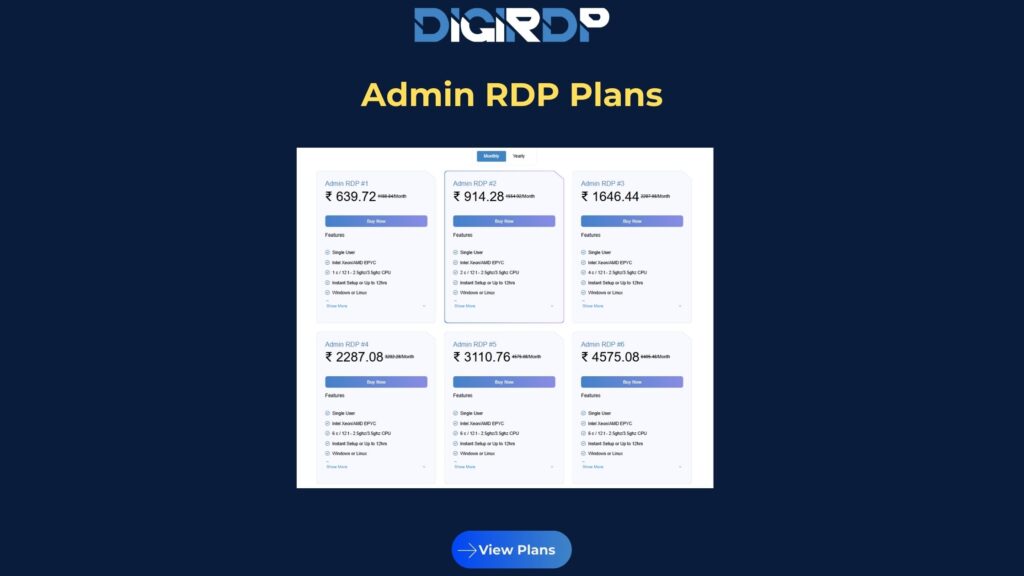
Start by identifying your workload requirements. Light tasks may work with cheap admin RDP plans, while professional use cases benefit from full admin RDP with dedicated resources.
Consider uptime, support availability, scalability options, and server location. DigiRDP offers multiple admin RDP configurations designed to match different use cases and budgets without compromising performance.
Real-World Use Cases: Admin RDP Comparison
| Use Case / Industry | How Admin RDP Is Used | Why Admin Access Matters |
|---|---|---|
| Software Development | Deploying, testing, and managing applications remotely | Allows full software installation, system configuration, and debugging |
| Trading & Automation | Running trading platforms and bots 24/7 | Ensures uninterrupted execution and control over system resources |
| Digital Marketing | Managing automation tools, browsers, and campaigns | Enables installation of marketing tools and multi-account workflows |
| Agencies & Teams | Handling multiple client environments | Centralized control without local hardware limitations |
| Data Processing | Running scripts and Windows-based processing tools | Admin rights allow performance tuning and background execution |
| Remote Training & Labs | Creating Windows training or testing environments | Full system reset, user management, and software setup |
| Long-Running Applications | Hosting apps that must stay online continuously | Ensures stability, uptime, and system-level monitoring |
Admin RDP is best suited for professional workloads where full control, continuous uptime, and system customization are required. Unlike standard RDP, admin-enabled environments remove restrictions and allow users to operate without limitations.
Conclusion (with updated link)
Choosing to Buy RDP Admin is the right decision for users who need full control, flexibility, and reliability in a remote Windows environment. From cheap admin RDP plans to high-performance full admin RDP setups, the right solution depends on your workload and long-term goals.
With secure infrastructure, global availability, and scalable plans, DigiRDP enables professionals to work efficiently without limitations. If your workflow demands unrestricted access and stability, admin RDP is the solution.
FAQ
1. What does Buy RDP Admin mean?
Buy RDP Admin refers to purchasing a Windows RDP environment with full administrator privileges, allowing complete control over system settings, software installation, and configurations.
2. Is admin RDP better than standard RDP?
Yes, admin RDP provides unrestricted access to the system, making it ideal for professional workloads that require customization, automation, and advanced configurations.
3. Are cheap admin RDP plans reliable?
Cheap admin RDP plans work well for light or short-term tasks, but they may lack the performance and stability required for long-running or resource-intensive applications.
4. Is free RDP with admin access safe to use?
Free admin RDP options are often limited, unstable, or insecure and are not recommended for professional or business-critical workloads.
5. Why choose DigiRDP for admin RDP hosting?
DigiRDP offers secure, high-uptime admin RDP solutions across multiple global locations, focusing on performance, scalability, and reliability for professional remote workloads.
Explore More About Admin RDP Solutions
For readers who want deeper insight into admin-enabled RDP environments, DigiRDP provides a regularly updated knowledge hub created by experienced cloud and server specialists. The content focuses on real-world performance optimization, secure admin-level configurations, and practical deployment scenarios across professionally managed RDP infrastructures.
By exploring in-depth articles on admin RDP architecture, best practices for full administrative access, and real-world deployment strategies on the official DigiRDP Blog, readers can stay informed about evolving remote desktop standards and infrastructure best practices shaping 2026 and beyond.